Layout of all Automation Studio windows you can organize by yourself. If you are lost and you want to reset your AS layout to default state, you can use the option from toolbar Window → Reset Window Layout.
BUT
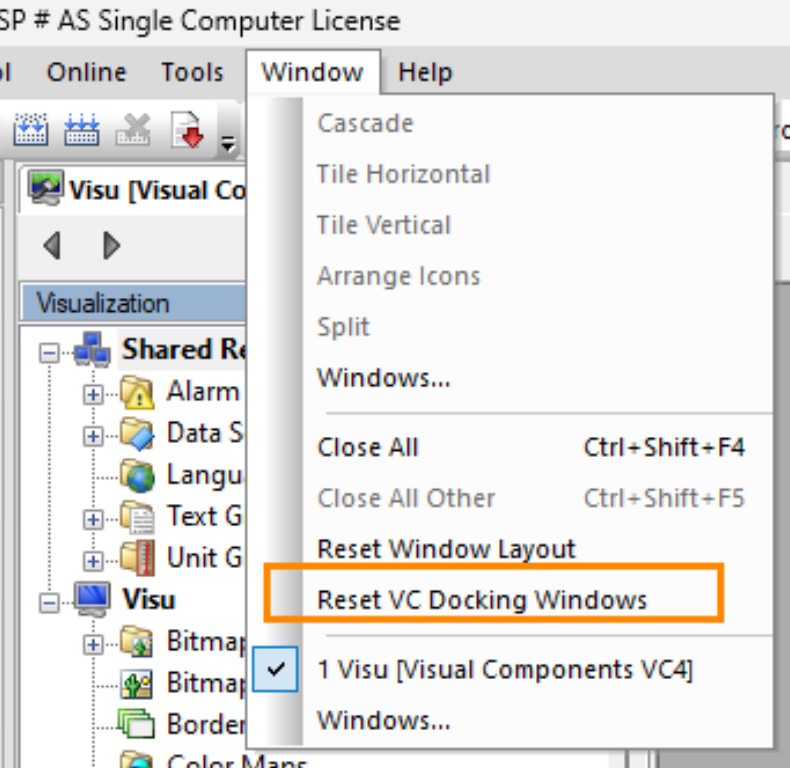
this is not apply for VC4 editor. If you lost any window there, you have to use Window → Reset VC Docking Windows.
or find your time and migrate your visualization to mappView, this is also a good option 