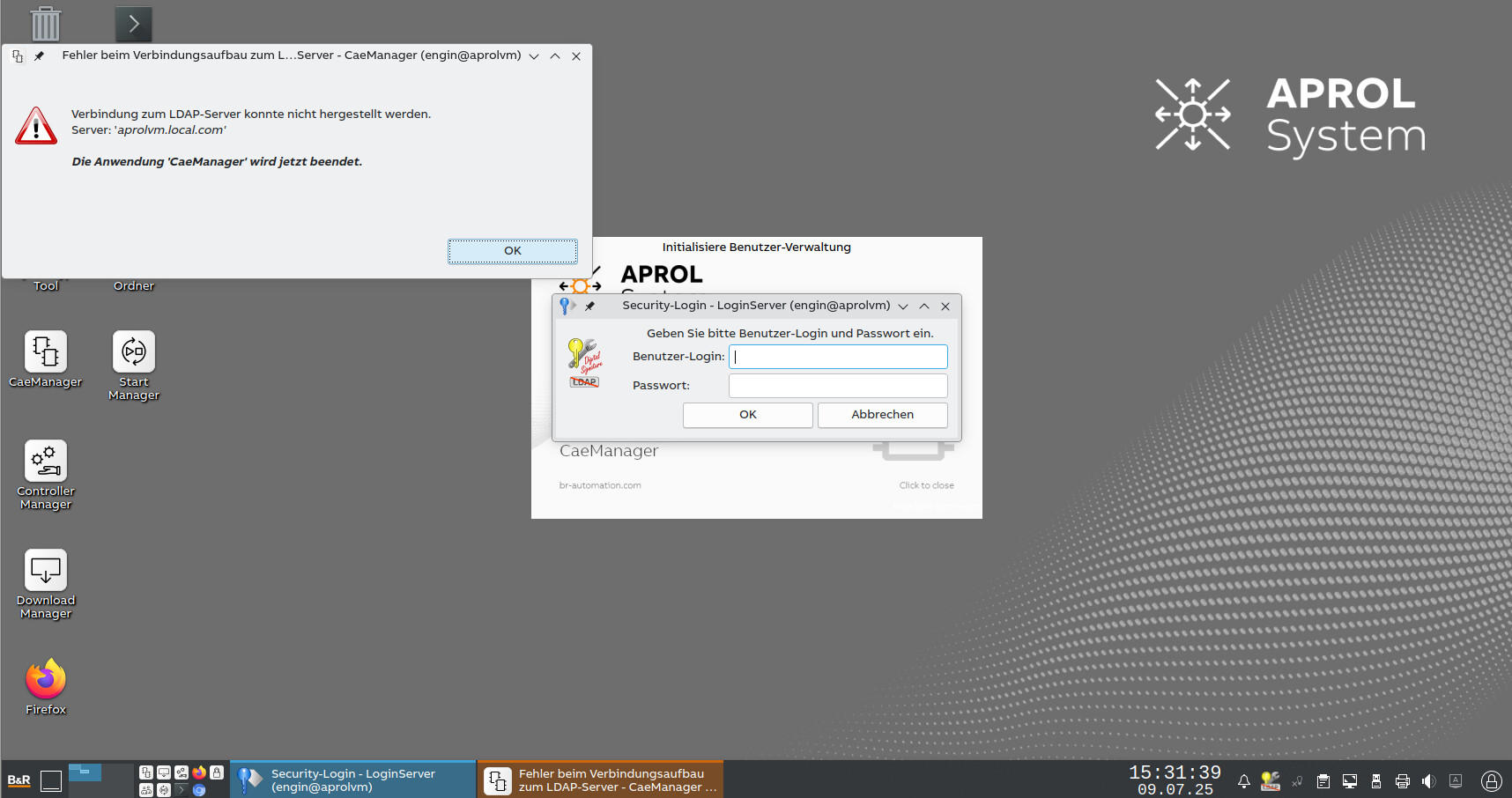
I’m currently facing an issue logging into APROL 4.4-01. I’m unsure which user name and password are expected during login.
Additionally, I have not configured or enabled an LDAP server, nor did I assign any LDAP password. However, APROL seems to insist on connecting to an LDAP server, which causes CaeManager to close immediately when I try to launch it.
Has anyone experienced this issue or knows how to disable LDAP entirely and log in using local users instead?. Besides, what are the default credentials to use here?
in APROL R4.4-01 there is no ‘local’ user management anymore.
You have to setup LDAP Server via AprolConfig,
where you can choose password for default user ‘Startup’ by yourself.
Thank you for your reply. I have attempted to set up LDAP as advised, but I am now encountering a different issue. I have attached a screenshot highlighting the error.
I appreciate your further support.
Did you try and set a “secure” password?
After setting these 4 passwords, first click “Server setup”, second click “Client setup”.
If you want to start over, use the Command “AprolPurgeLDAPServer” as root user, this will clean out the LDAP database and let you start from scratch in AprolConfig.
Thank you for your reply. Unfortunately, I am unable to download the latest patch because it requires a running LDAP server, which is not available in my setup.
I have set secure passwords for all four fields and have also run the command to start a fresh server installation, but this did not resolve the issue.
I have also tried starting completely from scratch, installing AutoYaST and APROL, but I am still encountering the same problem.
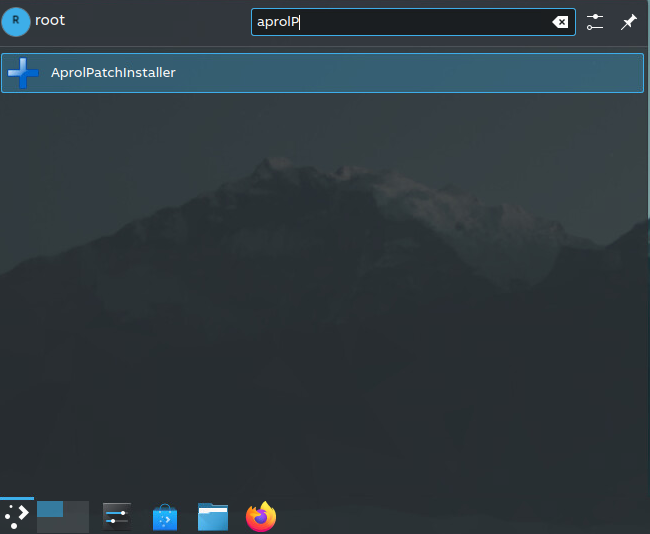
Thank you for the tip. I managed to install the latest patch with deactivating the signature check (however, I downloaded the patch file from B&R directly) but I am still facing the same issue with files can not be imported when I try to setup the LDAP server.
Patch3 Installation with skipping the signature check should be fine.
The /tmp directory should have its own mount point in R4.4-01.
Please check in /etc/fstab for a line like:
/dev/sda3 /tmp xfs noexec,nodev,nosuid 0 0
→ the noexec Flag prohibits Files in /tmp from being executed (security reasons)
Also check if you have some free space on your root (‘/’) Partition and /tmp Partition (10G default)
I checked the fstab and found the line you mentioned, also the /tmp partition is 10% and I have enough space on the root. I tried to remove the “noexec” but that also did not help.