Any info about support of AS running on windows 10/11 for ARM architecture?
Hello,
I’ve been working on an Automation Studio project for years, using MacBook Pro that uses M1Max. B&R doesn’t officially support VM environments, but below have been tested in my development environment for years.
- Create remote install package
→ ok - Connect between AS and PLC
→ ok but manually (DO NOT CLICK BROWSE see below) - Interaction with Scene Viewer
→ ok - Interaction with ABB Robot studio
→ ok…but, not sure (The exhibition demo using ABB robots and ACOPOStrak worked well.) - SuperTrak
→ TrakMaster not work on Windows for ARM (Last check at Nov 2023. I’m not SuperTrak engineer…) - ACOPOStrak
→ ok - ACOPOS 6D
→ ok but, PMI tool not work - mappVision
→ ok (Last check at Feb 2024)
As shown in the image below, clicking Browse in Online-Settings causes an error. Some PVI-SNMP-related drivers seem to depend strongly on x86. It would be great if PVI-based libraries are update to unified binaries

Best Regards,
As far as I know there are currently no plans to support ARM architecture CPUs
I’ve been developing on an M2 Macbook using parallels since mid 2023 without any issues. As @seunghwa said, the only thing that doesn’t really work is the browsing in the online settings view.
Windows 11 arm can run most 32-bit applications without issue, when you get to 64bit applications you usually need to make sure that it was compiled for ARM64 specifically before installing.
Hi @Vratislav, what is the status of your question? Have you made it running?
One update, Automation Studio Code does not work with aarch architecture. Unable to get license information.
I know Automation Software does not support aarch. But there were no problem with Automation Studio Code beta phase. 
So, I test technology guarding compatibility with aarch.
- Technology guarding 1.8 standalone → Work
- Technology guarding 1.8 via Automation Studio 6.3 → Work
- Automation Studio Code license validation → Unable to get license information (Same on Qualcomm Snapdragon processor with not VM environment.)

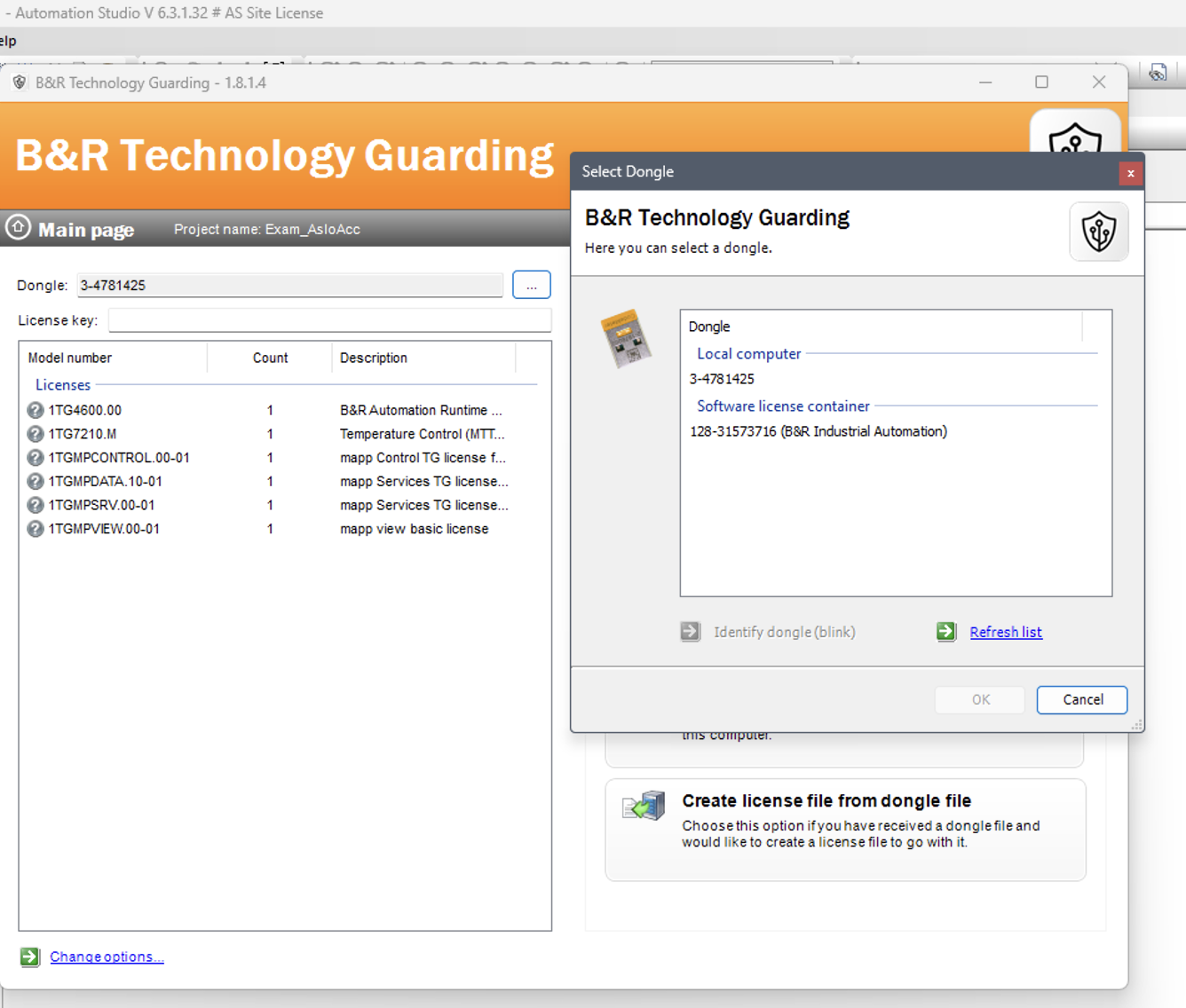
So I’m still using Visual Studio Code+CLI.
If ‘Safety+’ is also cannot to run on aarch, I think I should stop on AS4. (It is not easy to carry two laptops.  )
)
I actually had this same problem with my M2 macbook with parallels. I did find the solution though.
You’ll need to uninstall the .NET framework that came with Visual Studio (an arm64 version) and then reinstall .NET 8.0 framework x64 (I did this by downloading directly from Microsoft). You’ll need to manually add the .NET executable to your path, but after that the licensing works for AS Code as it normally would. For whatever reason, even if both .NET frameworks (arm64 and x64) are installed, AS Code will default to the arm64 even though it requires the x64.
Hope this helps!
Does this mean adding system environment variables? (DOTNET_HOST_PATH)
If this is not the case, I would appreciate it if you could let me know. (I’m not friendly with .net)
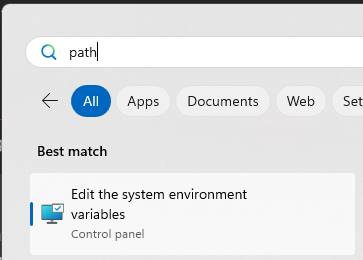

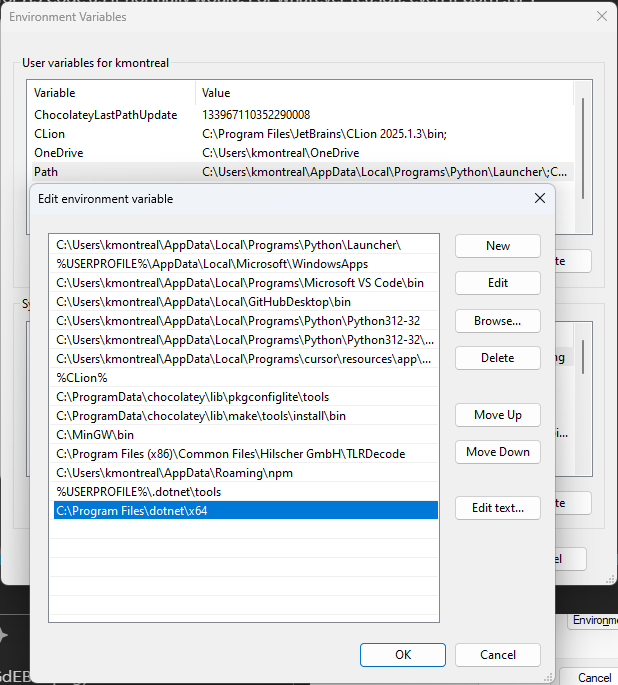
First issue: .NET 8 is not installed
I ran into the same issues on Windows on ARM with Apple M2 with parallels.
If .NET 8 is missing, Automation Studio Code fails during license validation and shows:

If .NET 8 is not installed → Download and install .NET (Linux, macOS, and Windows) | .NET
Second issue: CodeMeter Runtime version
Even with .NET 8 installed, license validation can still fail on ARM systems.
Even latest Automation Studio Version 6.5 still installs CodeMeter Runtime 8.10, but to work you need to update to CodeMeter Runtime >= 8.40 to properly retrieve license information on aarch systems.
→ Manually install CodeMeter Runtime 8.40 or newer from Wibu Systems.
Wibu-Systems
After updating to this version, it worked on my VM.

Bonus tip 
If you’re staying with VS Code for now, check out the BooST Extentsion — really nice productivity add-on for working with B&R projects in VS Code.