Hi everyone,
I’m currently setting up my first motion project with the following hardware:
Software:
- Automation Studio 4.12.6.106
I followed this tutorial: YouTube – Getting started with B&R Motion
When I try to compile the project, I get the following error:
17 Fehler 12.08.2025 11:08:06,0312 Das benötigte Modul arflatprv innerhalb des Bereichs von V5.24 bis V5.24.8 ist nicht installiert. 427 C:\BundRprojects\myNewMotionProgramm1\Binaries\Config1\X20CP0483\McBase.br
Can you guide me towards a solution?
Thank you very much! 
Hello,
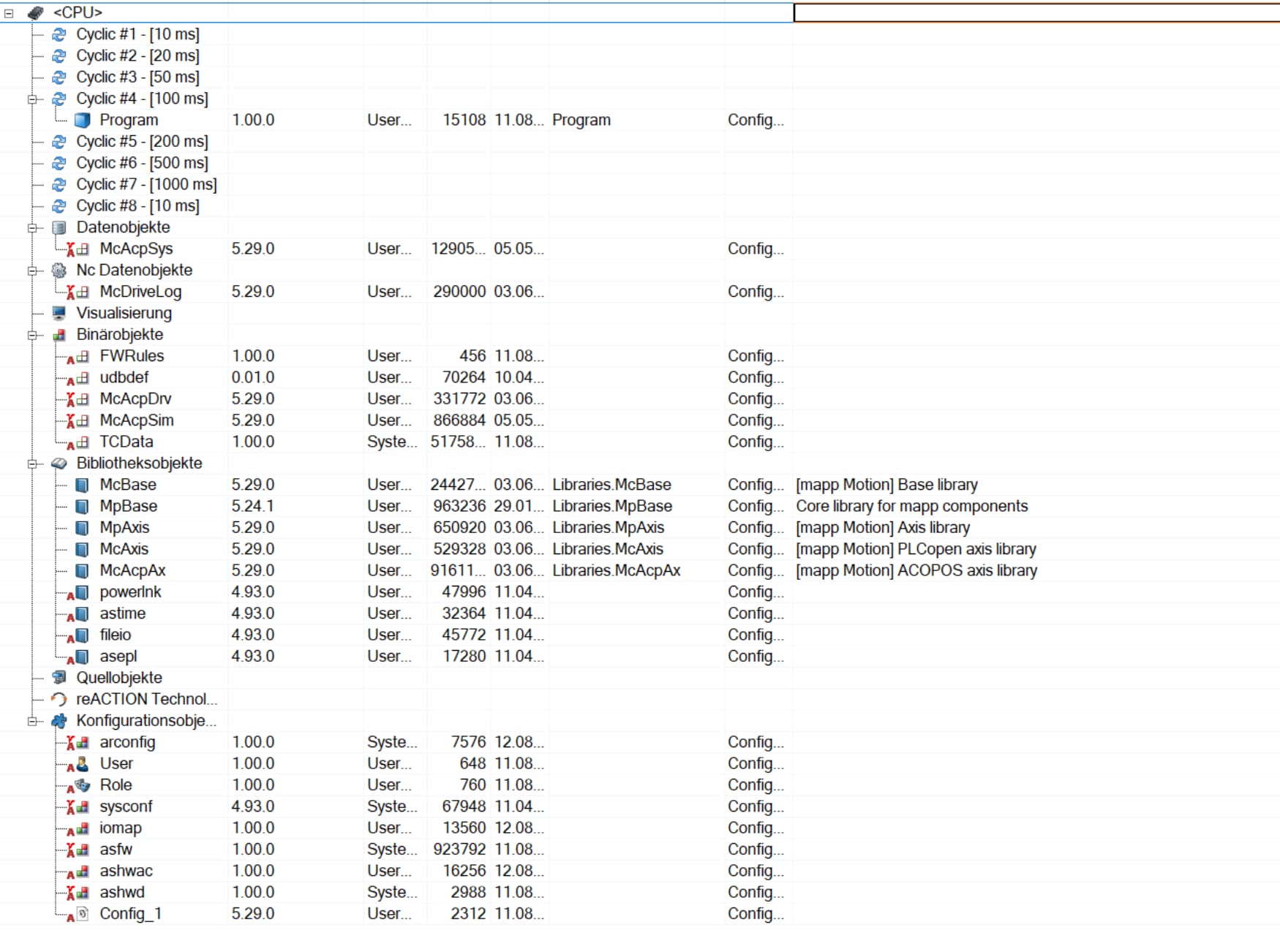
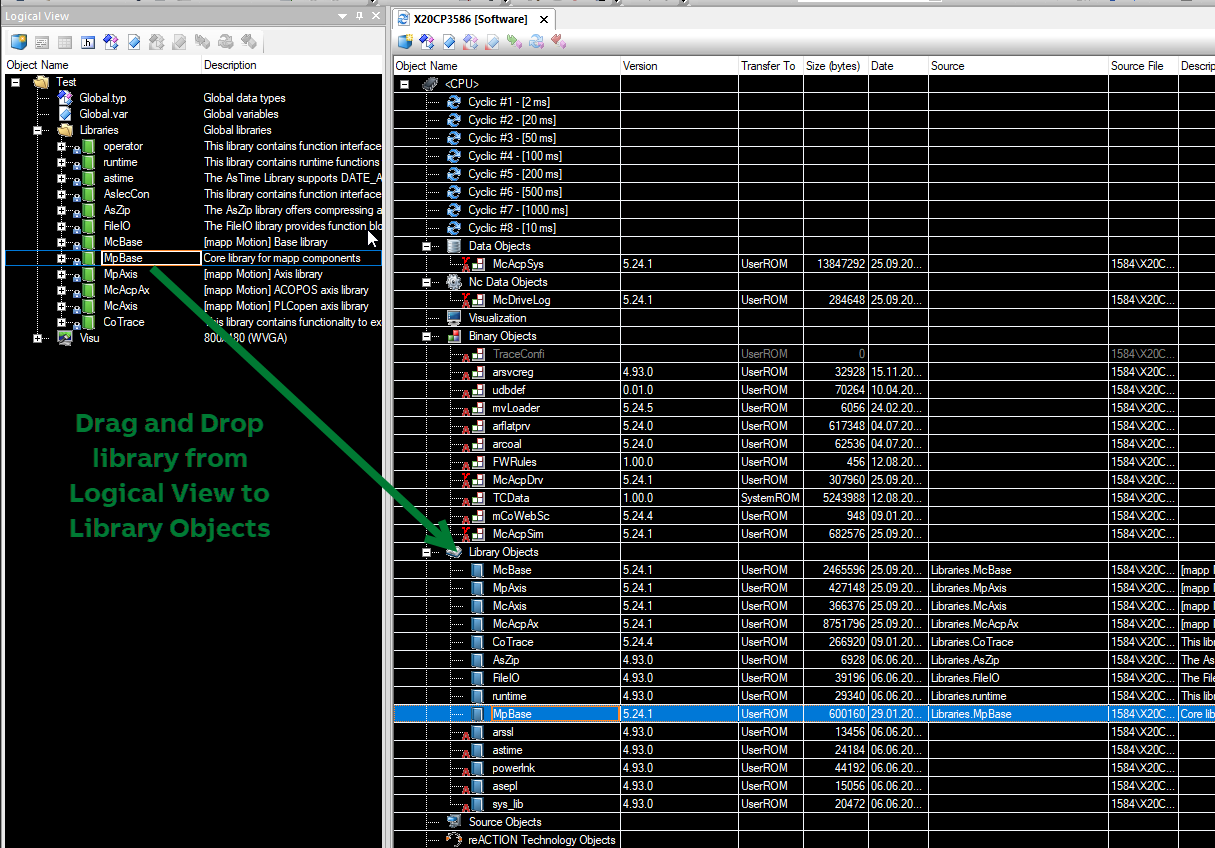
Check mapp Motion library versions in the SW configuration to ensure they are aligned.
Hi Pavel,
thanks for your reply!
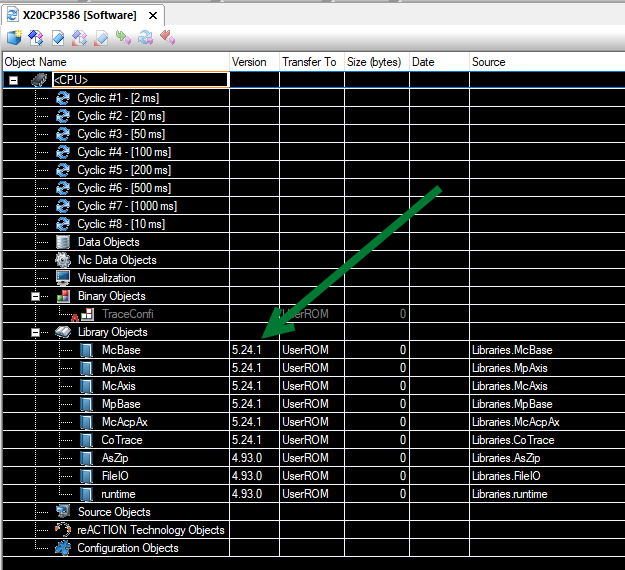
It seems like MpBase is on a different version:
How can I update it?
Thanks 
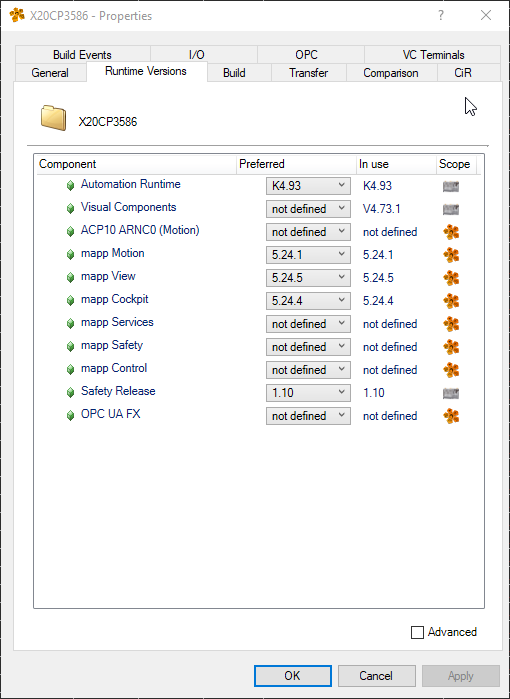
Try changing the map version to the other one and then change it back. This should align the versions.
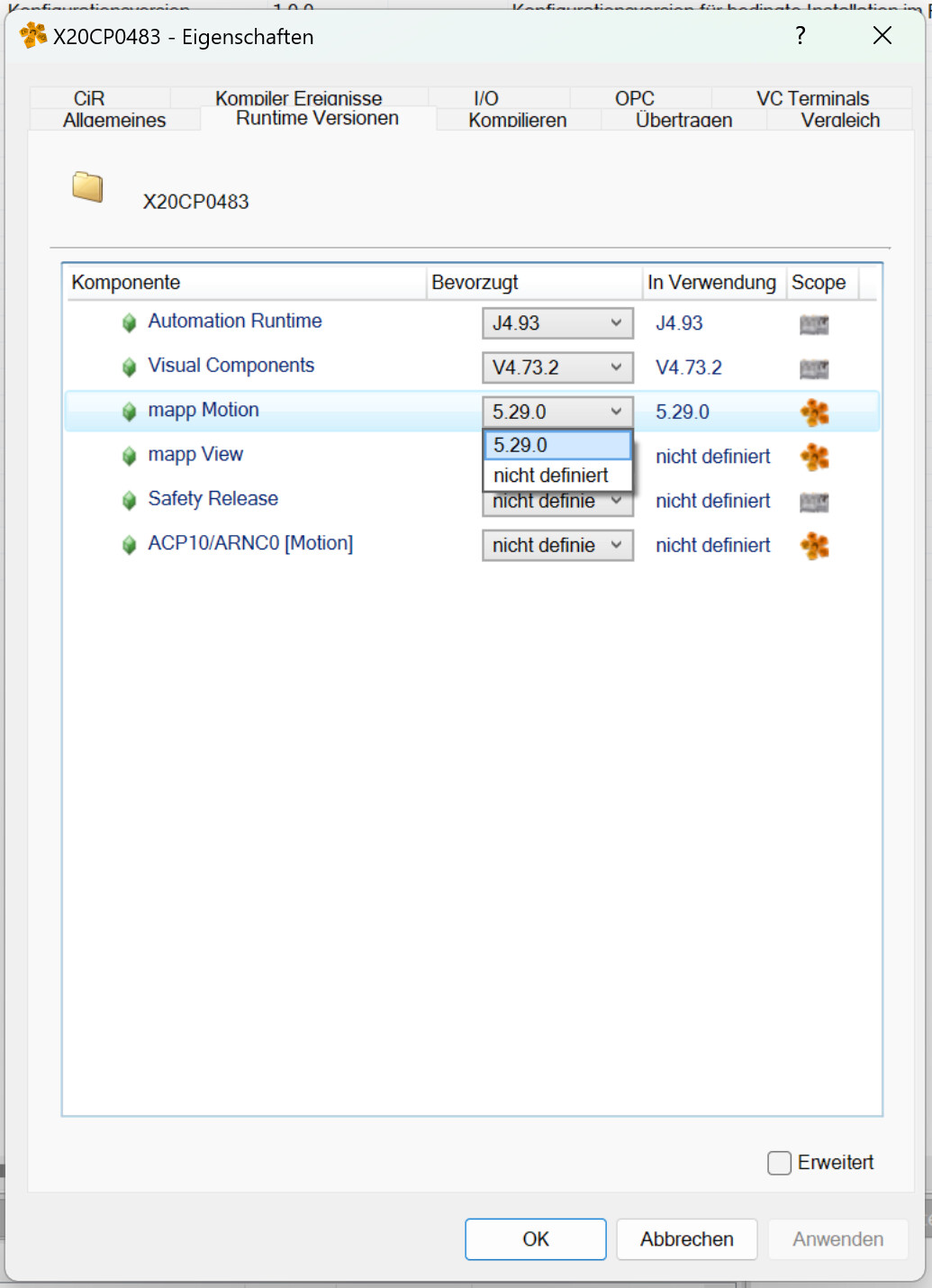
It seems that I can only choose from one version:
So, delete it from the SW configuration and add it from the Logical View again.
Hi,
I solved the issue together with a b&r technician.
We did a clean re-install of automation studio and manually installed MappMotion MappView and MappCockpit and the missing file was available.
Thanks
Had a similar issue come up with a customer running into this build error in AS 4.9: “Needed module arflatprv of required range from 5.14 up to 5.14.8 not installed - Error 427”.
In their case, the root cause was that they had the library “viBase” included in the Library Objects in the Cpu.sw file with version 5.14 (whereas all the other libraries were the AR libraries of version 4.90). They had been using that for library for other testing but had forgotten to remove it.
The resolution was similar to the above: remove the “viBase” library from the list of Libraries in the Logical View (as well as from the list of Library Objects in the “Cpu.sw” file in the Configuration View), Project > Clean Configuration, and Project > Rebuild. The project was now able to build without errors.