Hello.
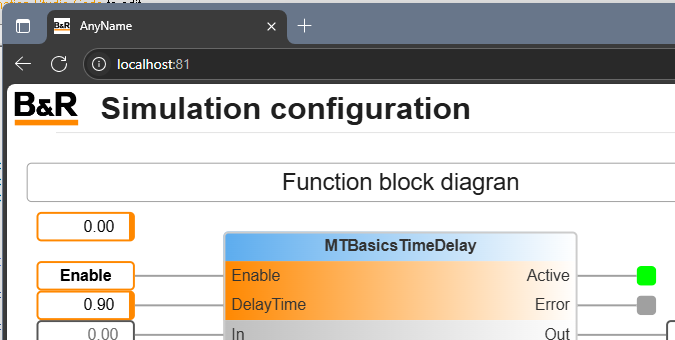
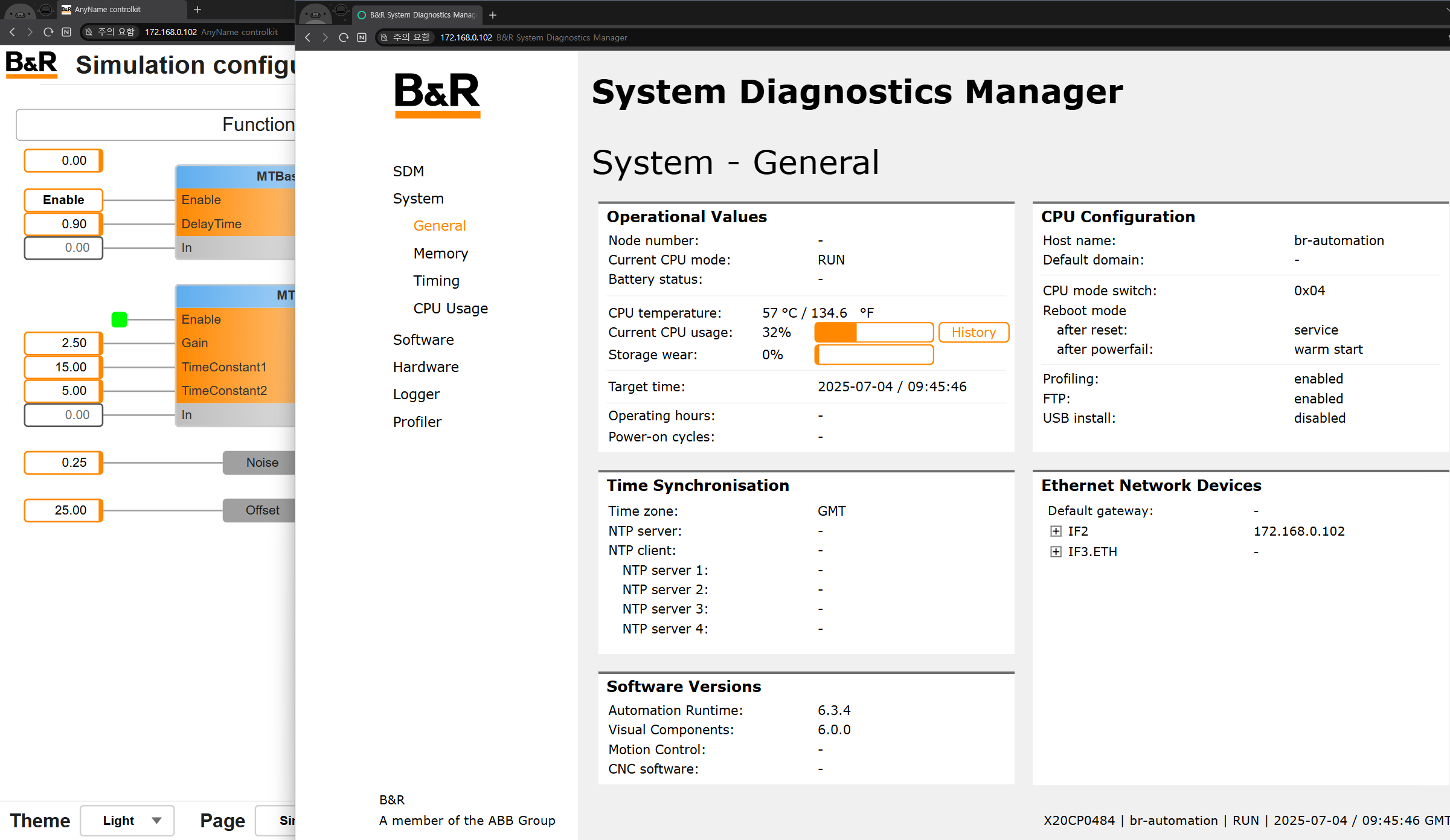
We are using mappview, and when accessing it through Chrome, the tab name is fixed as “Visualization XXXX”. Is there a way to change the word “Visualization”?
Thanks
Hello.
We are using mappview, and when accessing it through Chrome, the tab name is fixed as “Visualization XXXX”. Is there a way to change the word “Visualization”?
Thanks
If I understood the question correctly, you were answering the wrong part. He is aware that the id is part of the name - his issue was with the first part of the tab, namely “Visualization”
So while he has “Visualisation hdbs”, he wants “Something hdbs” (with Something being my own placeholder)
Ah, you’re right. I misread this. So, I think you can’t change it because it’s an automatically generated name.
Hi,
I don’t think this is impossible. I tested it in a simulation environment.
(I will test in the ARemb environment tomorrow.)
This is a simple task, but I don’t recommend it because the build data needs to be modified.
@kovarj Is it okay to share this method?
I describe this with limit below:
Best Regards,
Community is about idea sharing, so I do not see any problem if you share yours, if it is not against guidelines.
I tested at ARemb environment. And it working well.
 Notice
This method modifies the build data. So, the user should understand below.
ARsim
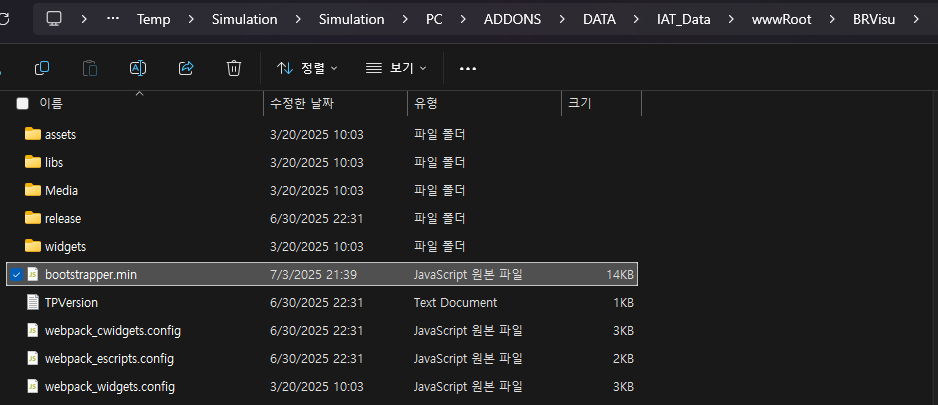
Find bootstrapper.min.js
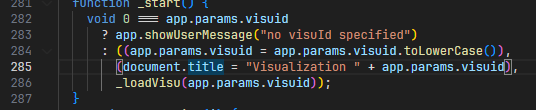
\<Project path>\Temp\Simulation\<Configuration>\<CPU>\ADDONS\DATA\IAT_Data\wwwRoot\BRVisuWe can find the location where we want to modify with the title keyword.
The title of the webpage connects the fixed string of Visualization with the visuID.
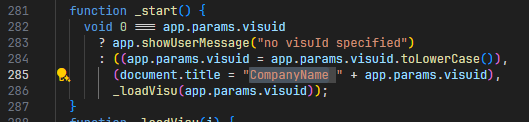
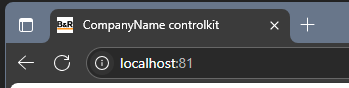
As an example, I changed the Visualization string to CompanyName .
After save the modified javascript file, we can check the changed title by running ARsim.
ARemb
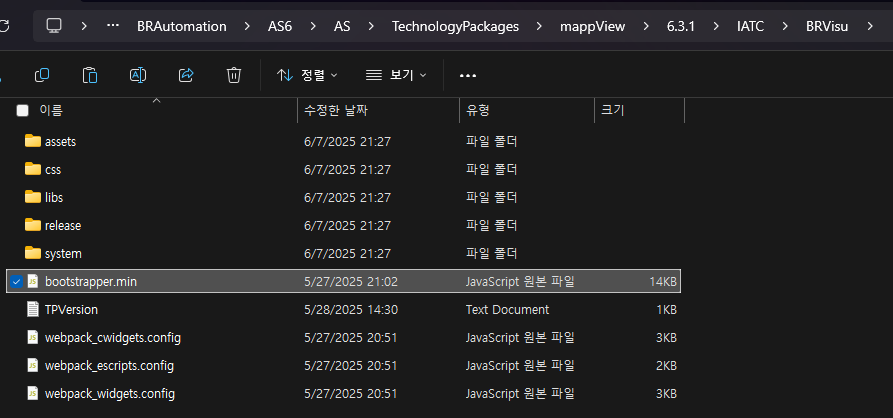
bootstrapper.min.js
/C/ADDONS/DATA/IAT_Data/wwwRoot/BRVisuThe source of the file modified above can be found in the path below.
<AS path>\AS\TechnologyPackages\mappView\<version>\IATC\BRVisuI hope this helps. @Choi_Haechang
Best Regards,
Thank you So much. It’s work!!
Have a nice day.