Hi Community,
This time when I try to open the variable status inside SafeDESIGNER I get this error message:

Let’s commission again the safety application and check please if you see some mistakes in my sequence.
- I compile the prj no error:
- I open the buildin mappView visualization for commissioning the safety application, and I sign in:


3) I connect to the my SafePLC, and open details tab:


- Transfer the SafeApplication and SafeCommissioning file, first enable setup mode then browse for transfer data:


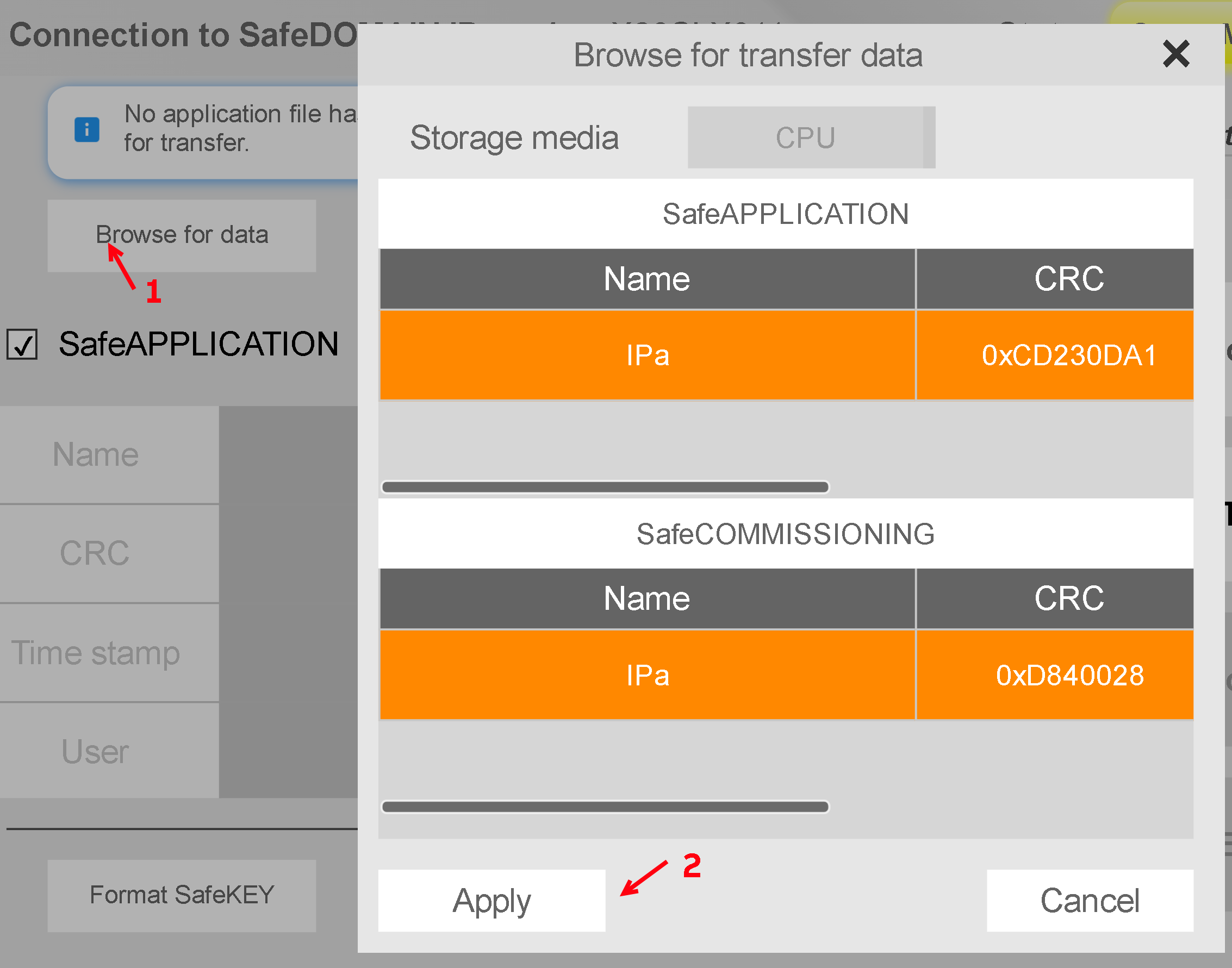

- I format SafeKEY to be sure nothing is installed on my SafePLC:

- I press transfer to SafeDOMAIN button:

- Transfer done:

- Press completion button

- Ack all 3 steps in the sequence:


- Finish setup mode:

- Sign out:

- Open variable status → Error

My question: Is this an expected error?
I have limited data for the communication SafePLC → PLC and PLC → SafePLC so it will be nice if I can check the status of the I/O of my FUBs for example without mapping each signal.

Thanks
Ciao
Valerio

