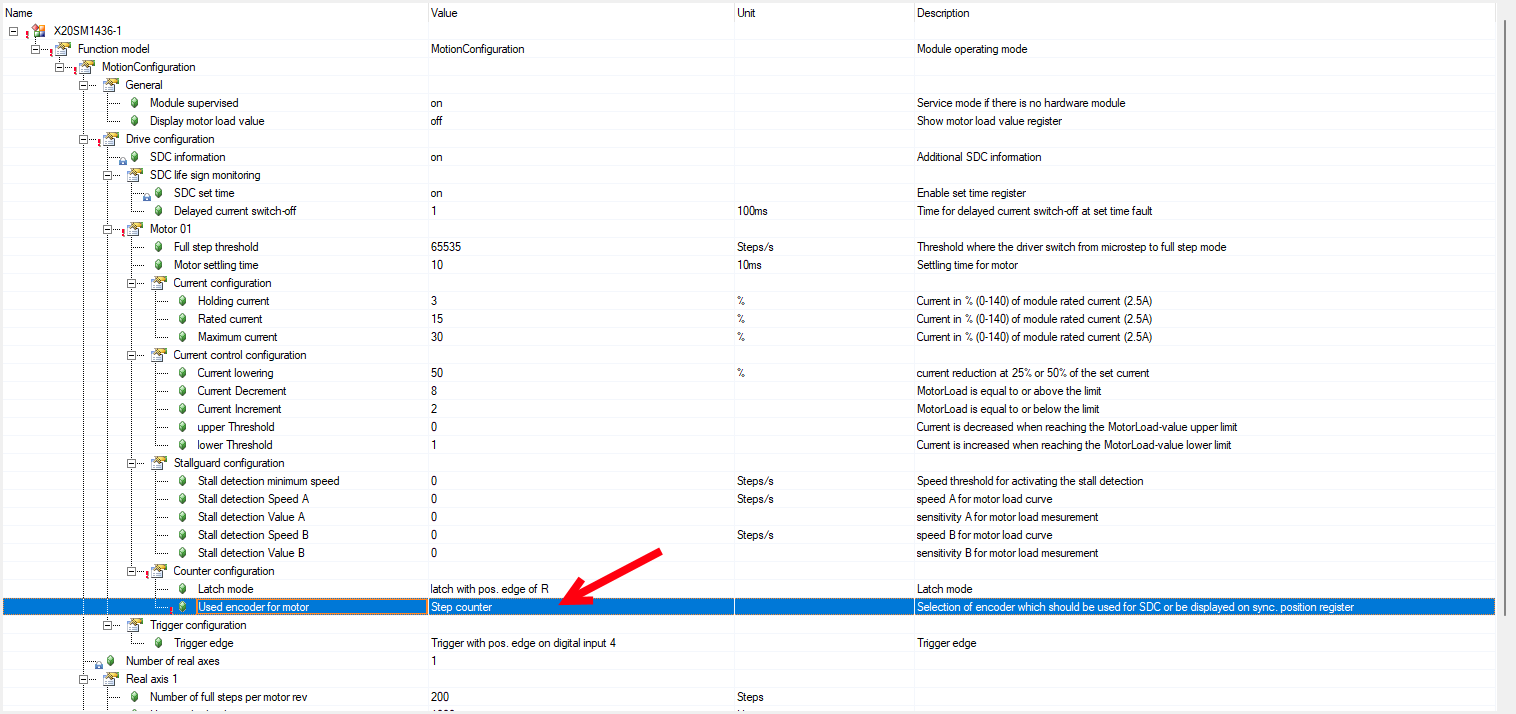
I have observed a behavior that I cannot explain. When I move a stepper motor without an encoder in the ARSim simulation, the following modules behave differently:
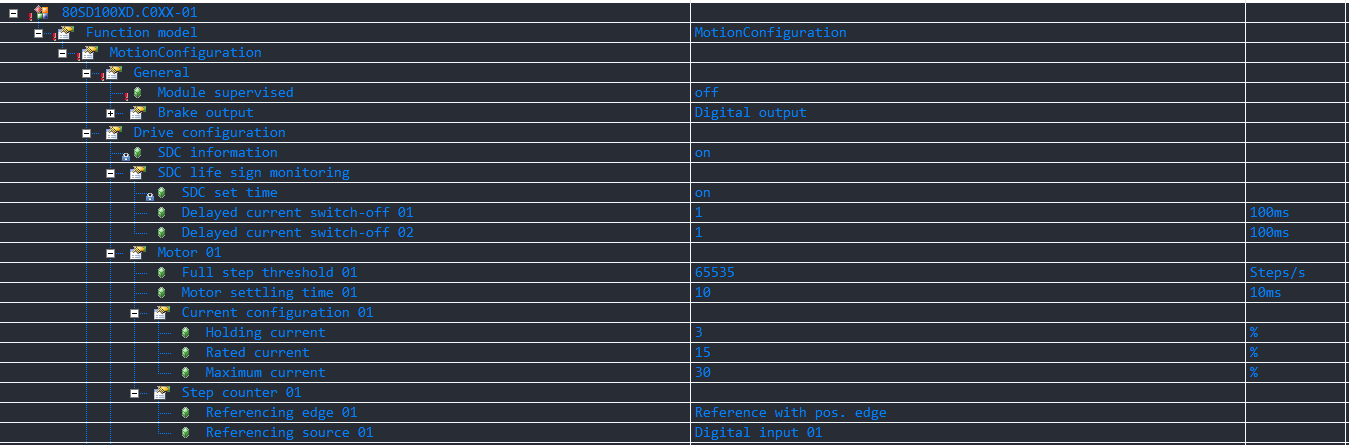
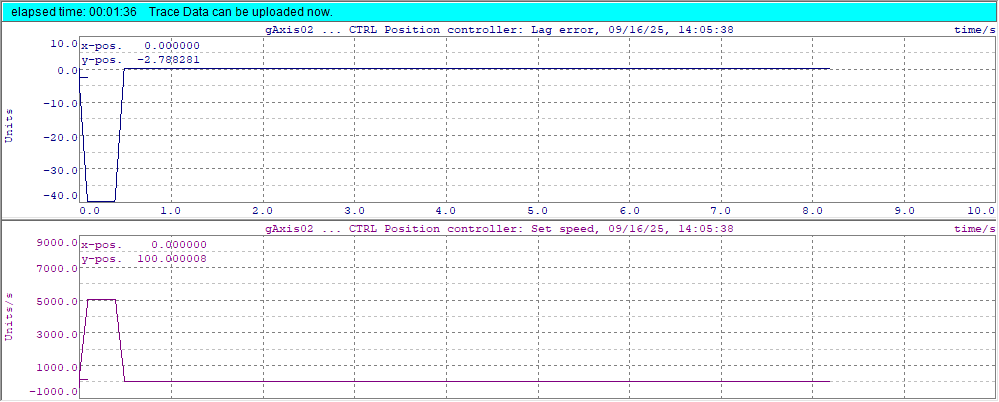
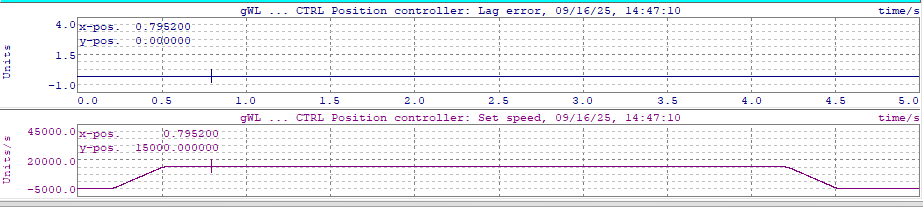
80SD100XD.C0XX-01 → The following error is constantly 0, just as I would expect.
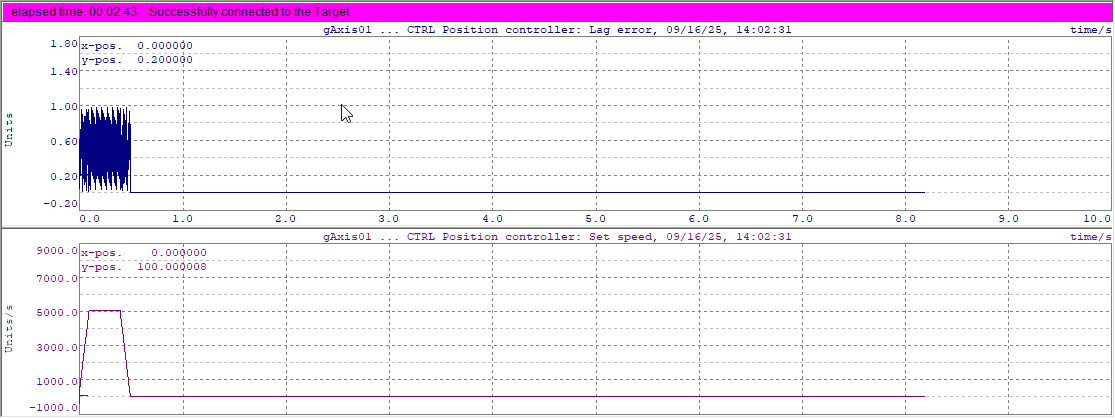
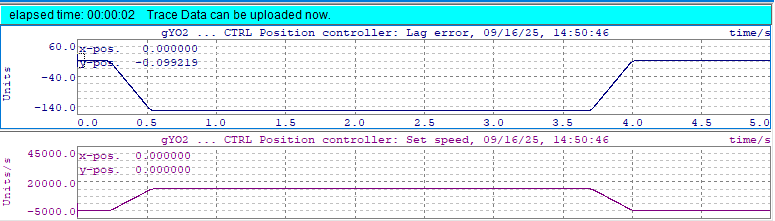
X20SM1436-1 → A velocity-proportional following error builds up. On what basis is this calculated? Can i deactivate this behavior?
Why do the modules behave differently? Is this perhaps configurable? So far, I haven’t been able to identify any differences in the configuration.
thanks for your reply. The steppers work just fine. I just want to understand, why there is a velocity proportional lag error with the modul X20SM1436-1 and not with 80SD100XD.C0XX-01. There has to be some kind of model in the background that calculates the lag error. But for my application the lag error is not relevant. So i want to deactivate this.
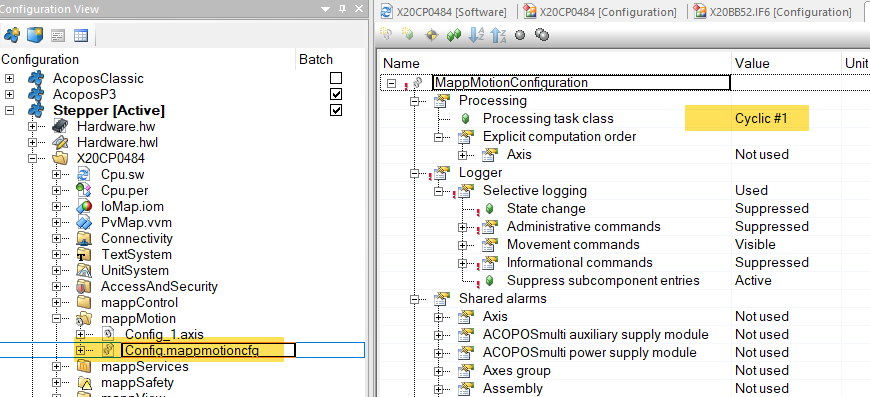
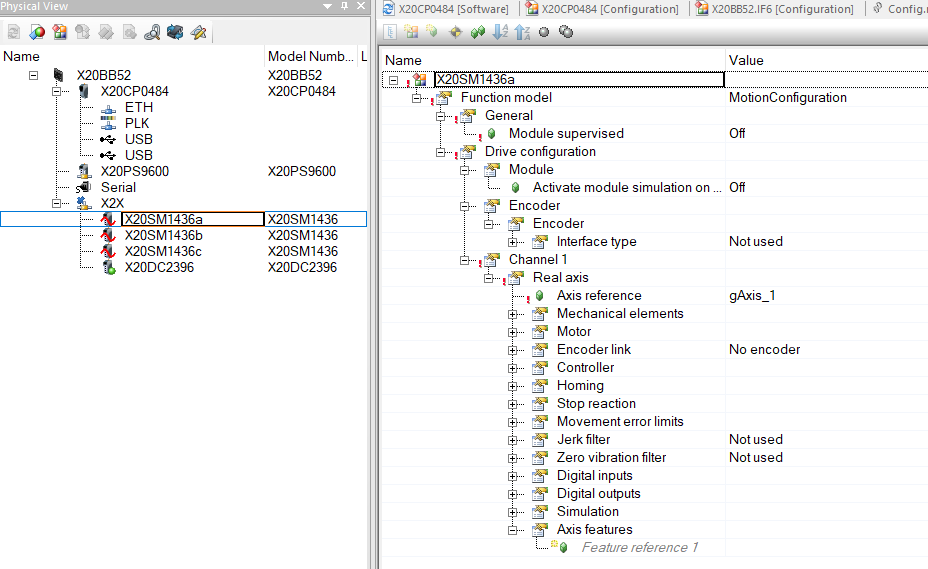
Out of curiosity, am I missing something? My configuration tab for the X20SM1436-1 looks quite different while selecting “MotionConfiguration”, and I also can disable the Encoder.
Even when adding a new module the config stays the same for me.
it looks like you are using mappMotion, is that correct? I am still using “ACP10 ARNC Motion”. Maybe that is the reason the configs differ? My AS Version is 4.12 and the module version is 2.3.1.0.
I could currently not find a diffent behaviour due to setting a encoder or disabling the encoder Interface.
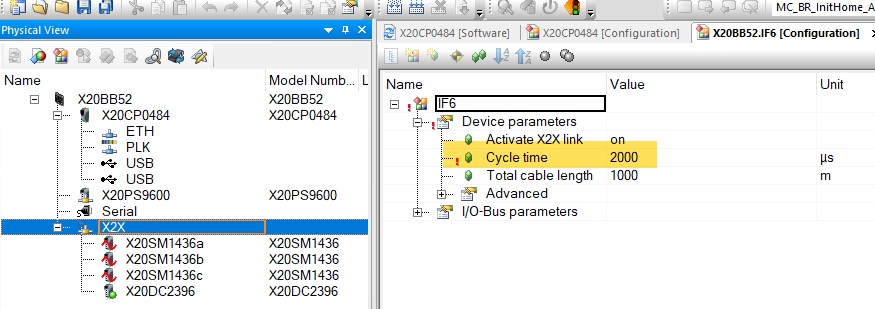
If there is no encoder i think you do not have to consider bus timings on a real hardware,
so setting T-Total, T-Predict to TC#1 timing should be a possibility.
Does my findings on ACP10 SDC match your situation?
thanks for your reply. I also tested on a real system. Same behaviour. I checked every parameter i am aware of including the mentioned T_predict and T_Total. All are the same. But still the axes behave differently…
Trace 80SD100XD.C0XX-01 ( lag error always 0 , spot on)
The Module X20SM1436-1 is configured as “has encoder” and gets the “Step Counter” from the X20SM-Module with an resolution 51200 Units/rev. via the Encoder-Cyclic Datapoint.
Which makes the Axis Encoder less. But the Act-Position has still a Bus-Timing because the Set-Points move to the module and the result moves back to the SDC. So to have a small LagError you need a T-Total which compensates this, and i think you will never reach a flat 0 , as there will always be some variation ± .
If the Module 80SD100XD.C0XX-01 has Sensorless mode “off” and still configured a gAxis1_HW.EncIf1_Typ := ncSDC_ENC16; It is unclear how the feedback is simulated.
Can you check all occurances of this Variable in you code? “gAxis01_EncIf1.iActPos”
As the ACPmicro does not seem to have a “StepCounter” Feedback mode, i think there is somewere in the code a virtual feedback for this axis generated.
And if this Feedback does not move over the network, but is instead generated in TC#1 it could result in the difference.
Just a Side Note: At the Ende i am not sure if the question about the LagError is that relevant. Because if there is no Encoder, just look only at the SET-Positions in Software. And make the LagError Limit just large enought.
changing the Mode to gAxis1_HW.EncIf1_Typ := ncOFF does not change the behaviour. I thought i could get a deeper understanding what is going on under the hood and find the parameter that de/activates the lag error simulation. Maybe in the end the modules behave a little different. I will just increase the lag error limit for now. Thanks very much for your support though
I would have liked to help better, but i also have some questionmarks left.
In MappMotion i have seen a different Timing of the Modules with -1 in comparison to them without when using an Encoder. So there is defnitly a difference in the Firmware and Timing. But this does not explain all your findings.
I hope you can achieve your desired machine process with the current situation. If there are upcomming issues, please reach out to the community again.