Hi, In my actual project, I used the C80 controller and employed the VC4 interface engineering. I found that when operating the touch screen, many times the corresponding control elements were not touched yet, but the control elements in the corresponding area had already been activated. I also tried the Key Repeat function under VC4, but the effect did not improve. Are there any other points that need to be noted? Currently, I am using the AS4.12 programming version.Hardware Version 1.30.


And what about the VC4 version?
If the latest versions are used, I would try:
- Another C80 if available
- A project with only very basic VC4 visualization with default settings
If the issue still persists, I would contact local B&R support.
But maybe there is somebody else in the Community who has come across the same issue.


This is not standard behavior. I would try it with an empty project, with C80 not mounted to your machine/electrical cabinet. If the problem is still reproducible, it could be a hardware issue, but I would contact local office support first. Provide them link to this discussion and please record video of your issue.
I recorded a video and sent it to the BnR China support team E-MAIL. However, they informed me that the C80 is a capacitive screen and requires the use of insulating gloves.However, I read in the C80 manual that it is capable of being operated by a human hand.
I think this is a misunderstanding.. operating without gloves is more common than with gloves, if you do not have “specific environment”.
Yes, So I hope you can reproduce this situation and fix this problem.
As the C80 uses a Projected Capacitive touch screen, it has stricter grounding requirements than resistive screens.
The difference lies in their operating principles:
-
Resistive Screens work based on physical pressure. When you press down, two layers physically touch to close a circuit. Because they rely on mechanical contact, they are immune to electrical noise.
-
Capacitive Screens (like the C80) work by detecting minute electrical changes (micro-currents) from your body. They act as sensitive sensors and require a stable reference ground to function. Without proper grounding, electrical interference (noise) from the power supply can mask the touch signal, causing malfunctions.
If you are bench-testing the unit, please try holding the back housing of the C80 case with your left hand while operating the screen with your right. Does the touch input issue still occur?
If so, please check that both the 24V power supply and the C80 unit itself are properly grounded. This applies whether the unit is on a desk or mounted in an electrical cabinet.
Note that the C80’s grounding tab is located behind the power interface; please make sure to use a proper crimp terminal for a secure ground connection.
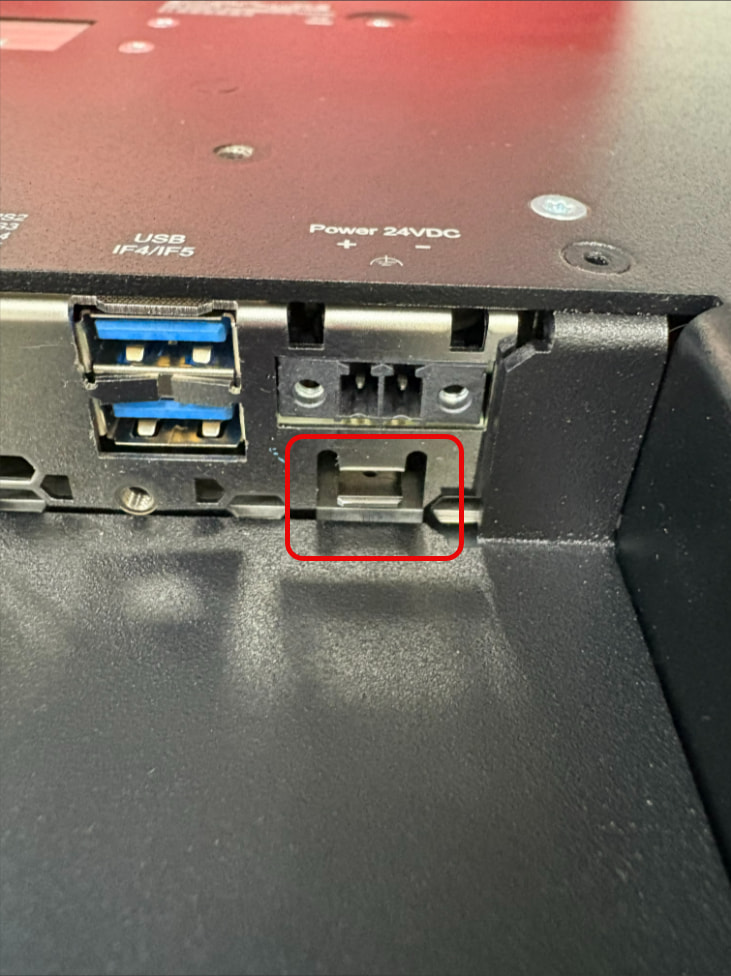
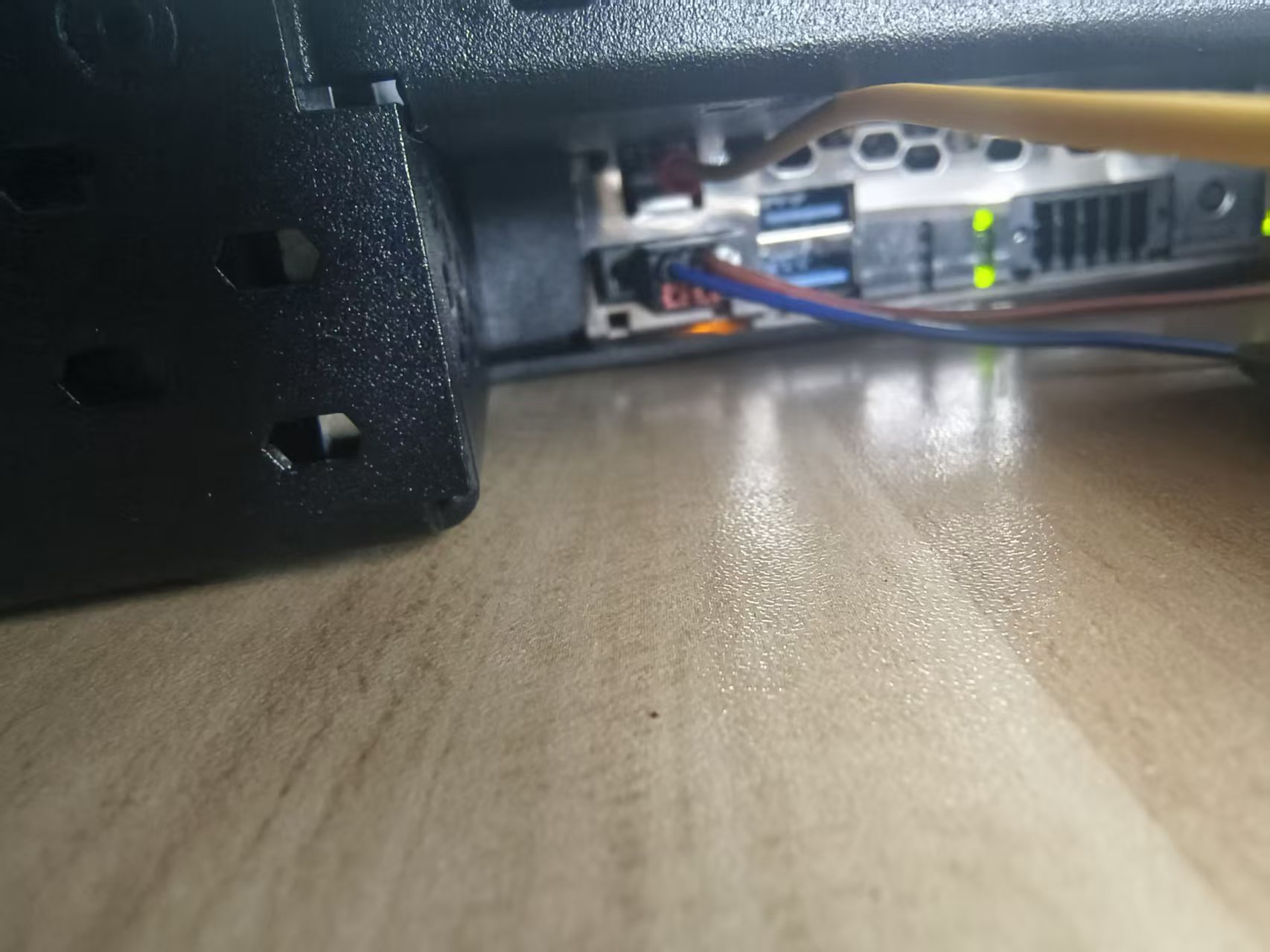
I think we are reaching the limit of how much the community can help you. I can see you have a C80 on the desk; it looks like grounding is wired. I think you really need to return to local support, provide them with the video (which you already did) and your project. They must check if the problem is reproducible. One last question from me: what VC4 element are we talking about? Because some of them change state based on values from the backend, so theoretically, it might not be a problem with visualization. You can test this by disabling all tasks and keeping only the visualization running.
Thanks ,
Both using the input box and the button can be used. Basically, it covers all the attributes that are input-related. The teams in China have identified this issue in many of their projects. However, the headquarters said that this situation could not be replicated. Then the engineers from China who were working on the project added a digital keyboard by themselves and introduced an additional variable for the buttons. They utilized the task transition mechanism to complete one cycle. Does the community have any B&R R&D resources? Can this situation be further replicated with the help of such resources?
B&R Community is forum where B&R users are sharing and helping other users, it is not a platform how to reach officially R&D or ask for bug fix. Sorry. I have to be clear about that. So for bugs investigation and solution you have to use official support channel. You already did it and you have workaround.Not sure what else we can do for you.
HI @Lin_Jian, have you found usable solution for you, can you update us?
Hello,No idea Fix The Phenomenon,But I Put a static film on it, It works better