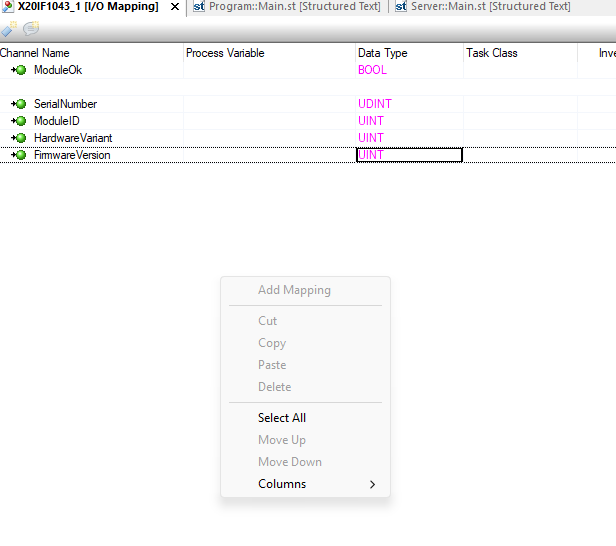
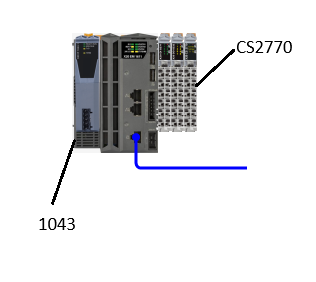
I am reading values via CS2770 CAN interface . I save it in variables. How can i sent those variables to I/O mapping of X20IF1043 CAN open SLave? I am not able to add any new mapping on the 1043. My hardware setup is XX20EM1611+X20CS2770+X20IF1043-1. I need to push the saved variables to 1043 module. Anyone have an idea or a better solution?
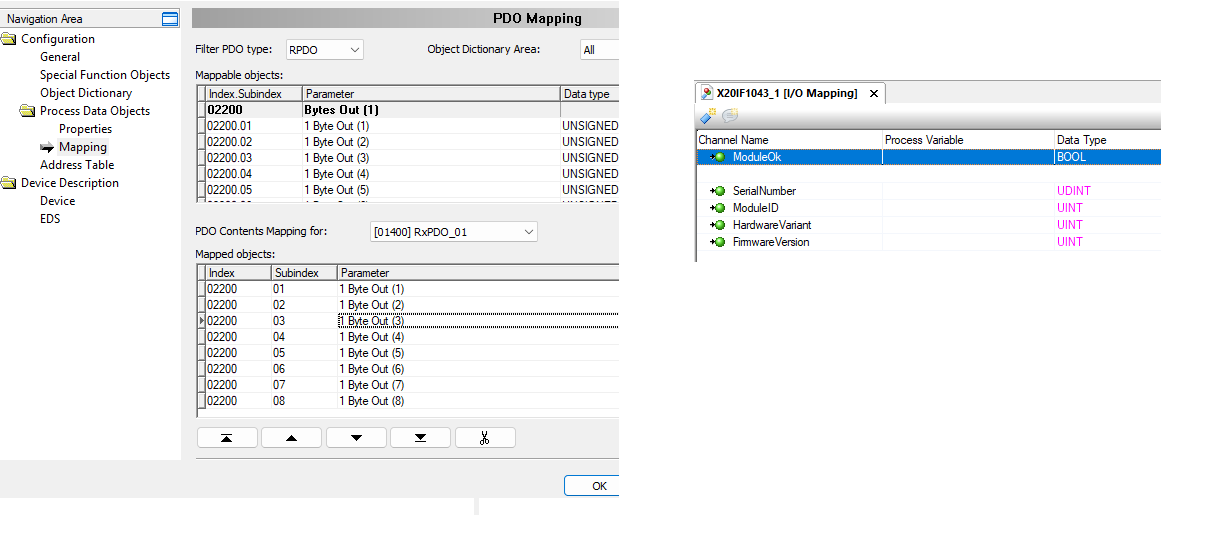
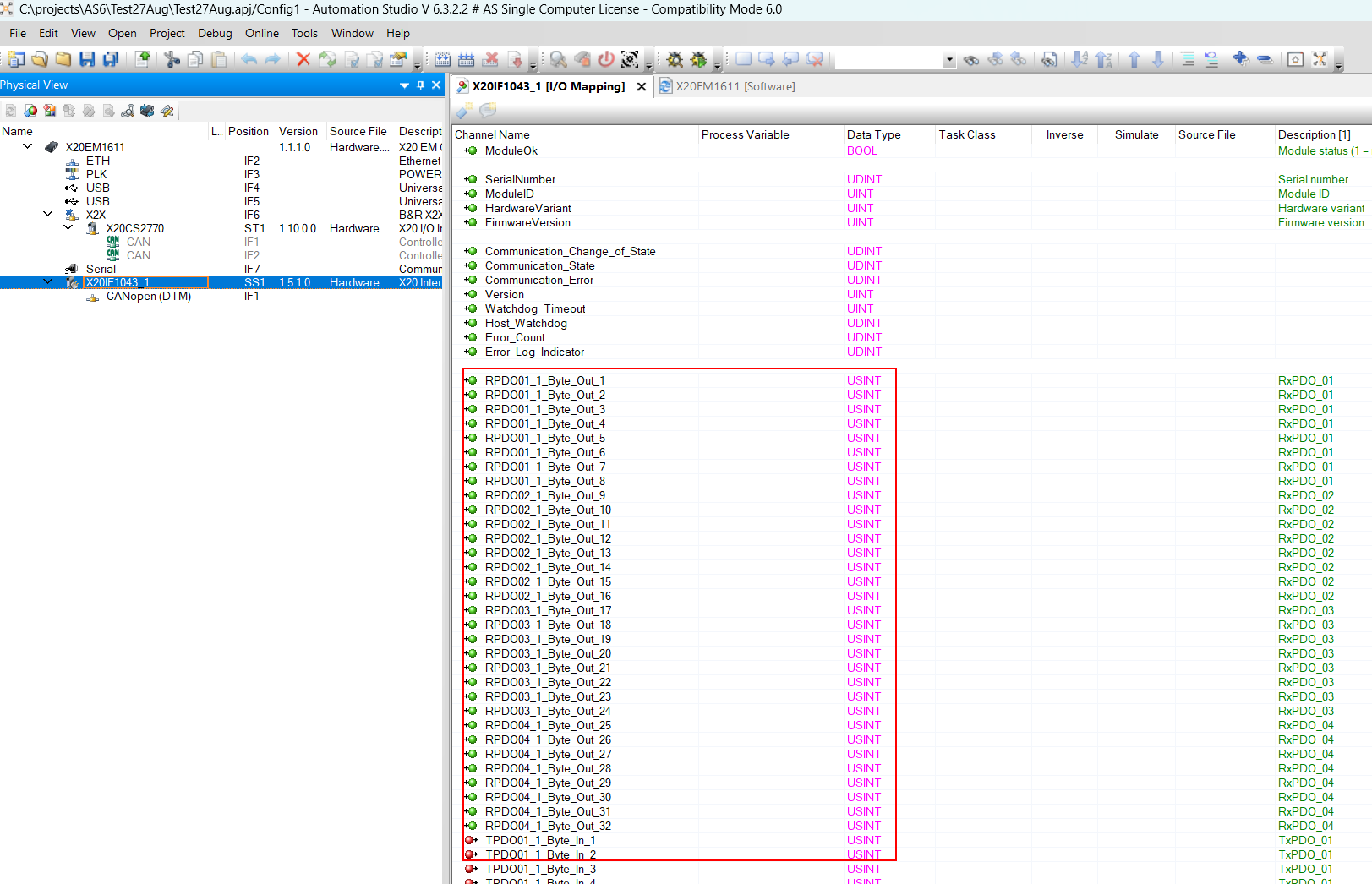
If you would have defined RPDO’s and TPDO’s on the X20IF1043-1, these would be available in the I/O mapping of the X20IF1043-1 and this is not the case.
Follow the actions described in the AS-Help from the last post.
I tried defining the RPDOs and TPDOs as in the help page. But still the same. Please find attached a test project where i have some constant values programmed. Lets say i need to map those constant values to 1043. any help would be much appreciated.
I didnt see any errors. But now i uninstalled and re installed AS again. But still the same. I dont have any other DTM components on my Notebook. I have contacted B&R Tech support. I will post the solution,when i get something from them.-
These problem was identified as a bug inside Automation Studio. There is an incompatibility of DTM management if you use certains languages in Windows11.
Switching to “united kingdom” in the display language and regional settings should solves this