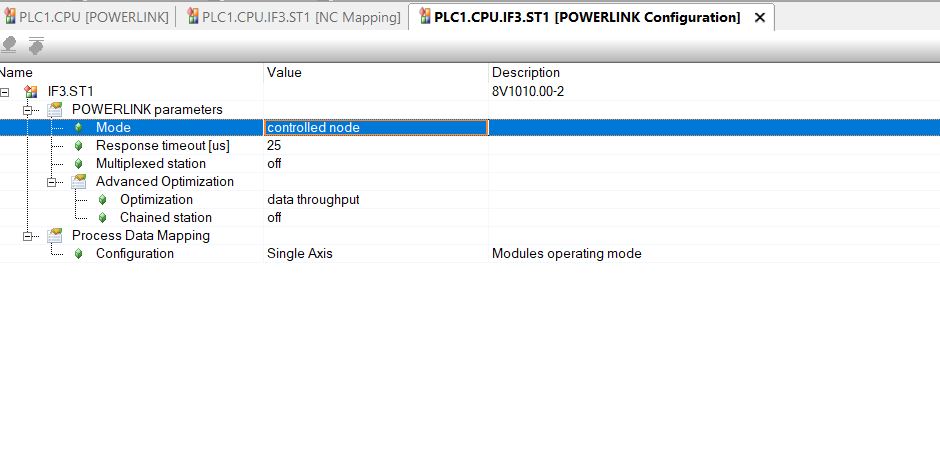
Thank you for your kindly response, Since I only was able to find all my hardware config files in AS V3.0.9, and most of my tests was in this version, I checked this version and it seems there is no option for selecting Powerlink version.
and in AS v4.x Im not able to install AC112 hardware file and add it to hardware list, I found the file for V4 in BR website and installed it in upgrade part, but it didn’t add to my hardware list. Can you tell what is the problem?
My Screenshot was from AS 3.0.90. , you can find the Setting at the Powerlink-Master.
Your Screenshot is from the Powerlink-Slave!
If there is older Hardware used in newer AS-Studios it might be nessasary to use the “Show Legacy” Button in the Toolbox. By default Hardware which is marked as Legacy is not shown in Toolbox.